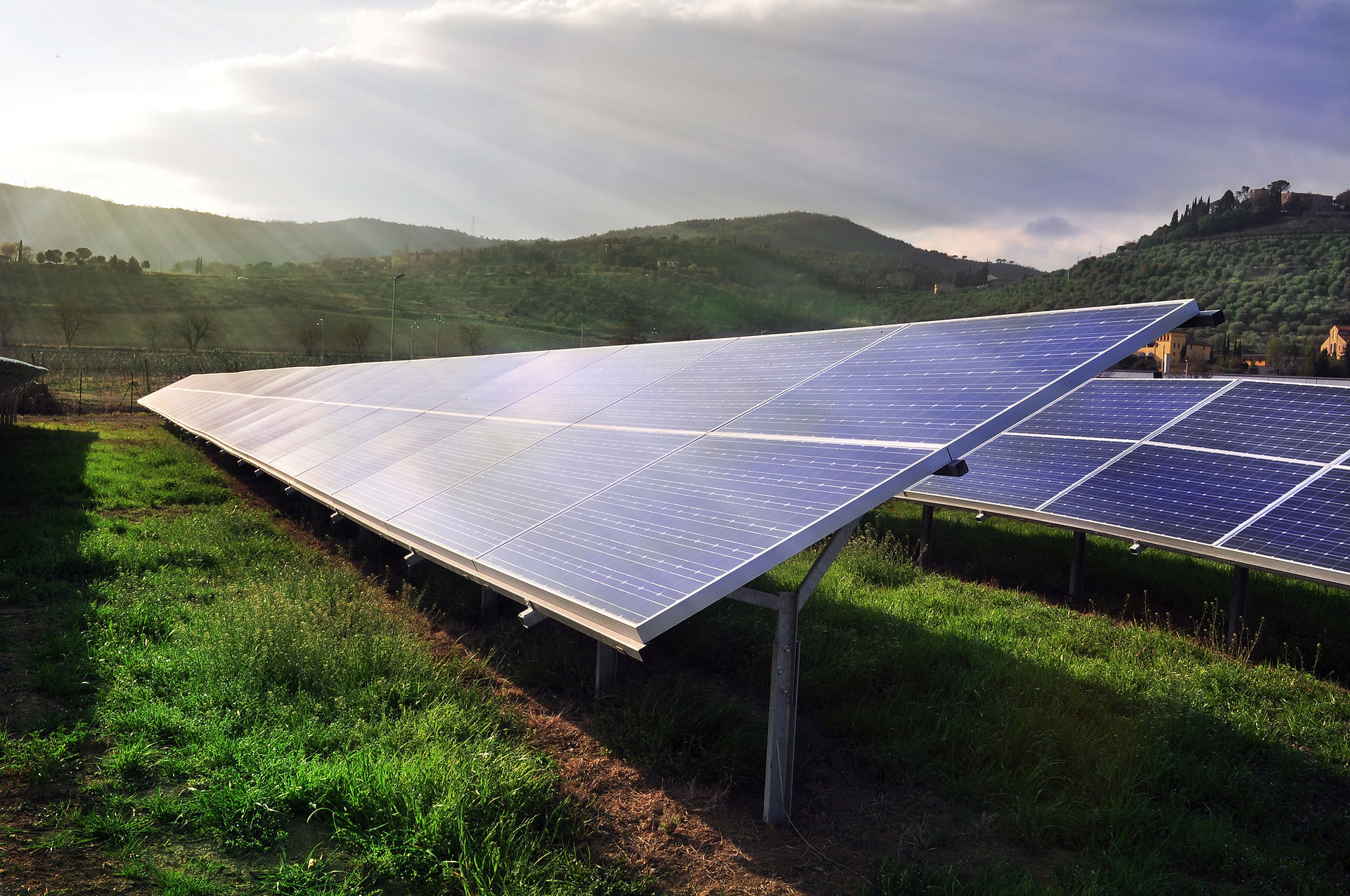


Maximize Your Solar Investment: A Guide to Maintenance & Savings
LopileTech is committed to your safety and maximizing the value of your solar panel system. This guide offers valuable resources to help you:
-
Maintain peak performance: Learn about regular inspections to ensure your panels operate optimally for the next 20-25 years.
-
Master your inverter: Gain clear instructions on proper inverter switching and rebooting procedures.
-
Stay informed, save more: Get regular updates on electricity tariff hikes and discover effective strategies to further reduce your electricity costs.

Maintain peak performance:
-
Regular cleaning: Clean your panels periodically (at least twice a year) to remove dust, dirt, or debris that can affect efficiency. Choose a cool morning and avoid cleaning during hot sun or windy conditions. Use a soft brush and water, or a gentle cleaning solution recommended by the manufacturer.
-
Visual inspection: Regularly inspect the panels for any signs of damage like cracks, scratches, or corrosion. Look for loose wiring or connections as well. Contact a qualified professional if you notice any issues.
-
Beware of weather: While solar panels are designed to withstand various weather conditions, be mindful of extreme weather events. Heavy snow accumulation can affect performance and may need removal. In areas prone to hail, consider adding protective measures for your panels.
-
Electrical safety: Never touch the panels when they are wet or energized. Leave any electrical work to a qualified electrician.
-
System monitoring: Most solar panel systems come with monitoring tools. Keep an eye on your system's performance and address any significant deviations from the norm, which could indicate a problem.
-
Follow manufacturer's guidelines: Refer to your solar panel system manual for specific maintenance recommendations and cleaning instructions.
Additional tips:
-
Keep surroundings clear: Maintain a clear area around the panels to allow for proper airflow and access for maintenance.
-
Be aware of fire risks: Dry leaves or debris buildup near the panels can be a fire hazard. Keep the area clean and clear.
-
Inform local authorities: Notify your local fire department about your solar panel installation, especially if they are mounted on the roof.
By following these safety practices, you can help ensure the optimal performance and lifespan of your solar panel system while minimizing any potential risks.

Master your inverter
Rebooting a Hybrid Inverter with Battery, Solar Panels, and Grid Connection: A Safety-First Guide
Before proceeding, ensure your safety by following these crucial steps:
-
Turn Off All Loads: Disconnect all appliances and devices from the inverter's output to prevent any power surges during the reboot process.
-
Verify System Status: Check the inverter display panel to confirm its current status (operating, charging, etc.). This information might be helpful for troubleshooting after the reboot.
Now that safety is prioritized, here's the general rebooting procedure:
Step 1: Isolate DC Input (Solar Panels)
-
Locate the DC isolator switch, which is typically a box with green Body and white handle/toggle to near the inverter.
-
Turn the DC isolator switch to the OFF position. This disconnects the solar panels from the inverter, stopping the flow of DC (direct current) electricity.
Step 2: Isolate AC Input (Grid)
-
Find the AC isolator switch, usually located near the AC breaker panel.
-
Turn the AC isolator switch to the OFF position. This disconnects the inverter from the grid, stopping the flow of AC (alternating current) electricity.
Optional Step: Isolate Battery (if accessible and recommended by your inverter manual)
-
Some inverters may have a dedicated battery disconnect switch.
-
Consult your inverter's user manual to see if this step is recommended for your specific model.
-
If recommended, turn the battery disconnect switch to the OFF position to isolate the battery entirely.
Step 3: Power Down the Inverter
-
Locate the inverter's power switch (may be labeled "ON/OFF" or similar).
-
Turn the inverter's power switch to the OFF position. The inverter should shut down completely.
Step 4: Wait for a Few Minutes
-
Allow the inverter to rest for a few minutes (typically 2-5 minutes) to ensure all capacitors are fully discharged.
Step 5: Power On the Inverter (Reverse Order)
-
If your inverter has a battery disconnect switch, turn it back to the ON position (only if recommended by the manual).
-
Turn the inverter's power switch back to the ON position.
-
Wait for the inverter to complete its startup sequence (might take a minute or two).
-
Turn the AC isolator switch back to the ON position, reconnecting the inverter to the grid.
-
Lastly, turn the DC isolator switch back to the ON position, reconnecting the solar panels to the inverter.
Step 6: Verify System Operation
-
Check the inverter's display panel to confirm it's operating normally and all systems are functioning as expected.
-
You can then turn back on your connected appliances and devices.
Important Notes:
-
Always refer to your specific inverter's user manual for detailed instructions on rebooting. The provided procedure might differ slightly depending on the inverter model.
-
If you encounter any issues during the rebooting process, consult your inverter's user manual for troubleshooting tips or contact a qualified solar technician for assistance.
-
Never attempt to service the inverter yourself unless you have the proper training and qualifications.
By following these steps and prioritizing safety, you can effectively reboot your hybrid inverter for optimal performance.

Stay informed, save more:
This is a Paragraph. Click on "Edit Text" or double click on the text box to start editing the content and make sure to add any relevant details or information that you want to share with your visitors.